Apps

The WatersTechnology app
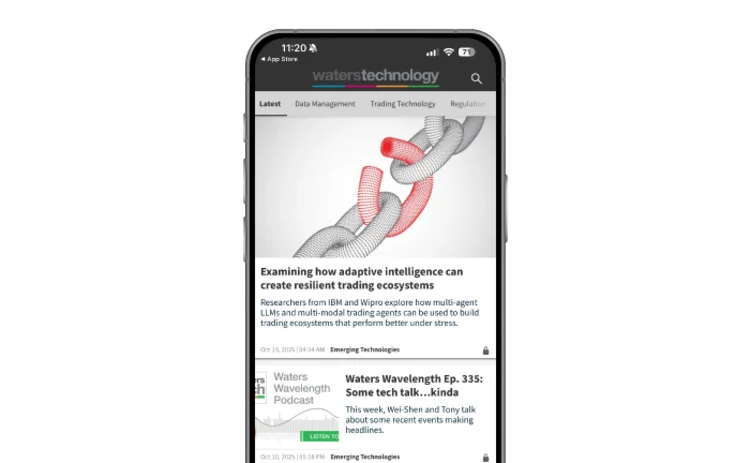
An image of the home screen, demonstrating how to customise your experience.

Customise your app’s home page, easily accessing your preferred content.

Establish a library of your most-read content - bookmark articles as favourites.

An image of a user's library, demonstrating how to save your favorite stories.
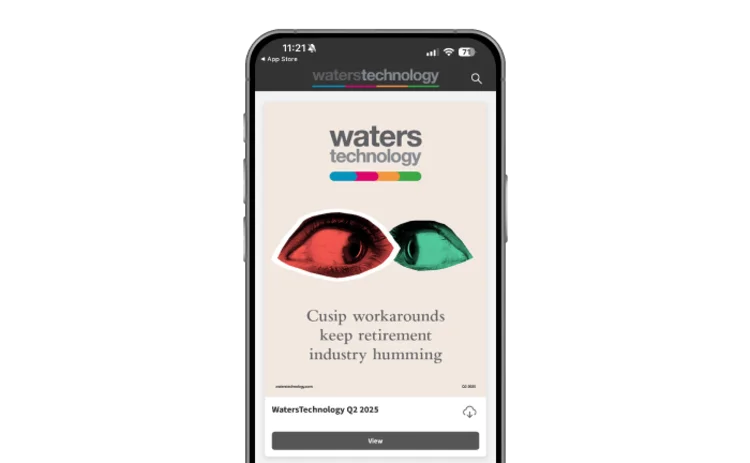
An image of WatersTechnology on a phone screen.

Stay connected on the go - update your app online for offline access to the latest content.

Getting set up

Icon for downloading the app

Download the app

Available on the Google Play or iTunes App Store.

Icon for logging in

Login

Sign on with your WatersTechnology username and password.

Using the app icon

Download issues

Create your own library of magazines, share stories and save your favourites for future reading.

You need to sign in to use this feature. If you don’t have a WatersTechnology account, please register for a trial.

Sign in
You are currently on corporate access.

To use this feature you will need an individual account. If you have one already please sign in.

Sign in.

Alternatively you can request an individual account here